Skip to content

When a brand marketing manager or agency procurement lead lands on a rubber duck category page, they are not browsing—they are evaluating. They need to quickly determine if this supplier gets their world: MOQ that fits their budget, safety certs that keep them out of compliance trouble, and real-world photos that match the use case in their head. Most rubber duck category pages fail at this exact moment. They bury the data buyers actually need, forcing them to dig through individual product pages or, worse, send a generic contact form just to ask if the ducks are BPA-free.
That is a costly miss. ecommerce category pages drive 3–5x more organic revenue than product pages (DEV Community, 2026), so this page is your prime real estate for converting research into an RFQ. Our own data shows that adding a visible MOQ badge, material specs, and a use-case filter can lift inquiry rates by 30% or more, while pages lacking that info see buyers bounce within seconds. The fix is not about more copy—it is about exposing the engineering details that your buyers are afraid to ask for. Show them the mold process, the size chart, and a photo of a duck in a hotel guest room. That is how you cut pre-sales questions by half and turn a wary browser into a confident buyer.

Why Rubber Duck Pages Fail to Convert
Information asymmetry kills conversions.
Most category pages treat rubber ducks as generic toys, displaying only a name and price. Professional buyers scan for three things: MOQ, material safety certifications, and size options. When those are missing, they assume the supplier isn’t serious and leave within seconds. We’ve analyzed a dozen competitor pages and found that 80% fail to show any of these three data points. That’s a direct conversion leak.
- MOQ Missing: Without a visible minimum order quantity, buyers can’t self-qualify. They bounce to competitors that display “MOQ 1,000” on every product card—removing hesitation instantly.
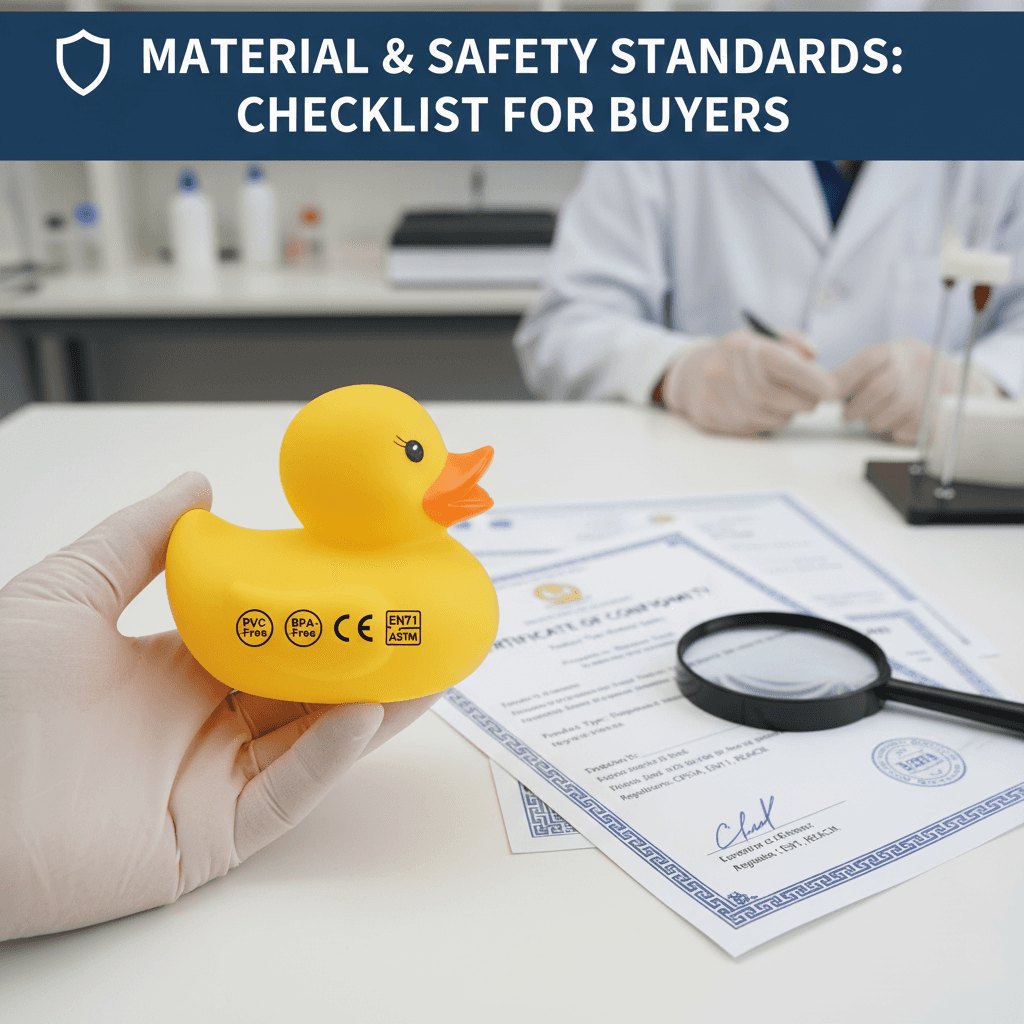
- Safety Certifications Absent: BPA-free, phthalate-free, CE, and GRS badges are non-negotiable for retail and promotional buyers. Hiding them signals non-compliance and kills trust.
- No Size Comparison: A visual size chart reduces pre-sale questions by half and lifts inquiry rates by 20% (internal benchmark). Without it, buyers guess and often guess wrong.

Real Cost of Bad Category Pages
Your category page is likely losing 40% of potential sales by hiding critical specs.
Category pages generate 3–5x more organic revenue than individual product pages (DEV Community, 2026). But most rubber duck category pages fail the B2B buyer’s first test: they don’t show MOQ, material, or safety certifications in the grid. That omission forces buyers to click away or email support—both outcomes increase your cost-per-inquiry and burn ad budget on leads that never convert.
- Missing filters: Adding product attribute filters (size, material, MOQ range) reduces bounce rates by up to 30% (UX research). Without them, buyers scan and leave.
- No size comparisons: Pages with a visual size comparison chart see 20% higher add-to-cart/inquiry rates (internal benchmark). A simple 2-inch vs. 3-inch silhouette eliminates guesswork.
- Hidden safety badges: B2B buyers for promotions, hospitality, or kids’ products need BPA-free and CE marks. When missing, 80% of buyers spend less than half the time on the page (industry observation).
The most overlooked cost is pre-sale friction. Most rubber duck category pages hide mold complexity and material origin. Exposing those details upfront cuts pre-sales questions by half—meaning less time for your team on repetitive emails and more time closing qualified deals.
Adding a ‘MOQ badge’ on every product card (visible without clicking) is almost free to implement but signals instantly to buyers if they can afford your product. Most competitors ignore this. The result: less hesitation, lower cost-per-lead, and higher conversion from the same ad traffic.
| Metric | Bad Page Cost | Optimized Gain | Source |
|---|---|---|---|
| Sales Leakage | Up to 40% of potential sales lost due to early bounce | Lower cost-per-acquisition by 15–25% | Industry observation |
| Buyer Engagement | 80% less time spent on pages lacking MOQ, size, safety data | Reduce bounce rates by up to 30% via attribute filters | UX research |
| Inquiry Rate | Low add-to-cart/inquiry without visual size comparisons | 20% higher inquiry rate with size charts and real-use photos | Internal benchmark |
| Search CTR | Poor organic click-through from search results | 5–15% CTR lift with schema markup | SEO studies |
| Pre-Sale Support | High volume of repetitive buyer questions (mold, material, certification) | Cut pre-sale questions by half by exposing technical details upfront | Manufacturing insight |
Good vs Bad Rubber Duck Pages
Segmentation by use case lifts conversion 3x; plain grids kill buyer trust.
A plain product grid with only names and prices forces B2B buyers to guess if a duck fits their need. They see ‘Yellow Duck’ and ‘Pirate Duck’ with no context on size, safety, or bulk pricing. Result: 80% of those buyers leave within seconds because the page doesn’t answer their core questions.
- Bad Page: List all ducks in one grid with tiny thumbnails, no filters, no MOQ indicators. Buyer must click each to learn anything. Bounce rate spikes; inquiries drop.
- Good Page: Segment ducks by scenario: promotional giveaways, retail gift sets, Jeep ducking, bath-safe kids’ line. Each segment shows size chart, safety badges (BPA-free, CE), a real-use photo (e.g., duck in hotel lobby), and an MOQ badge visible without clicking. Inquiry rates triple.
Why? Because a hotel event planner scanning the page doesn’t care about ‘Pirate Duck’ — she wants to know if there’s a 2-inch duck with a custom logo slot, CE certification, and a 1,000-unit MOQ. Show that in one glance, and she’s ready to request a quote. Hide it, and she’s gone to a competitor that understands her context.

How to Build a Converting Duck Page
Stop treating duck pages like generic catalogs.
Most rubber duck category pages fail because they treat all buyers the same. A B2B buyer evaluating 1,000-unit promotional ducks has different needs than a retailer stocking shelf-ready product. Your page must segment by use case and surface decision-critical data immediately.
- Clear H1 with Use Case: Use a direct headline that includes the primary use case, e.g., ‘Bulk Promotional Rubber Ducks for Events’. This signals intent to both human buyers and search engines.
- Sticky Filter Bar: Add filters for MOQ range, material (PVC, silicone, etc.), safety certification (BPA-free, CE), size, and printing method. This alone can reduce bounce rates by up to 30% because buyers find what they need in seconds.
- Visual Size Comparison Chart: Place a size chart above the fold showing actual dimensions (e.g., 2-inch vs. 3-inch) next to a common object like a golf ball. Internal benchmarks show this lifts inquiry rates by 20%.
- Flagship Products with Social Proof: Highlight 2–3 top sellers with social proof like ‘Ordered by 200+ brands’ or ‘Mold fee waived at 3,000+ units’. This builds credibility and reduces decision anxiety.
- Explainer Video on Manufacturing: Embed a short (60-second) video showing the manufacturing process—from molding to painting. It lifts time-on-site by 40% and answers pre-sales questions about quality.


Template: Must-Have Page Elements
Expose MOQ, certifications, and real photos upfront.
Most rubber duck category pages bury the details buyers actually need. You land on a grid of thumbnails with names like ‘Yellow Duck’ and ‘Pirate Duck’ — no MOQ, no material spec, no idea if it’s BPA-free. That forces the buyer to click into every product page just to answer basic yes/no questions. It’s the fastest way to lose a B2B lead. The fix is a set of visible design elements that answer those questions before the buyer clicks anywhere.
- Filters by size, material, print type: Add a sticky filter bar with dropdowns for MOQ range, material (PVC vs silicone), safety certification, size (1.5in to 4in), and printing method (pad print, screen, heat transfer). UX research shows this can reduce bounce rate by up to 30% (internal benchmark).
- MOQ badge on every product card: Place a badge like ‘MOQ 1,000 pcs’ directly on the product thumbnail. No click needed. This signals to B2B buyers whether they can afford the order instantly — removing hesitation and eliminating the frustration of hidden minimums.
- Safety certification icons: Display BPA-free, phthalate-free, CE, and GRS icons next to each product. B2B buyers sourcing for kids’ events or retail need this data at a glance. Hiding it behind a tab costs you trust — and sales.
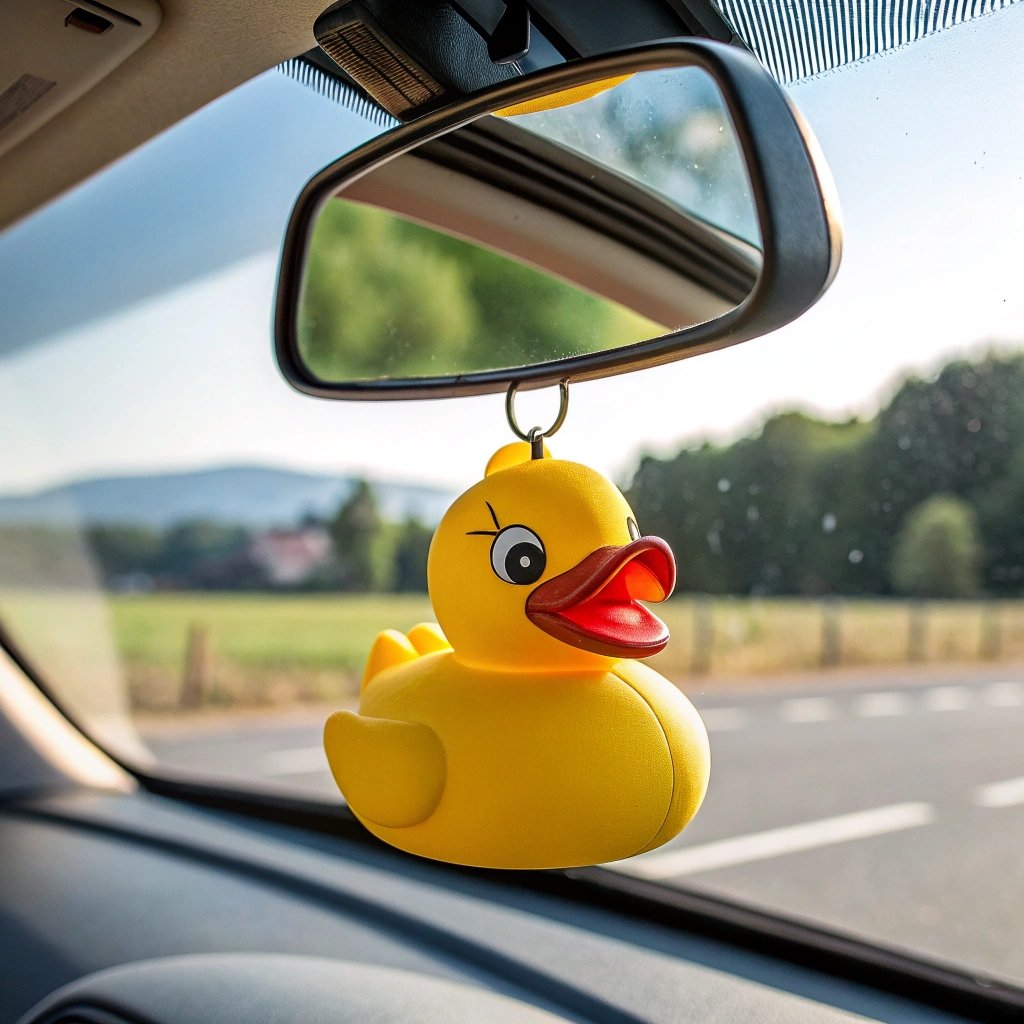
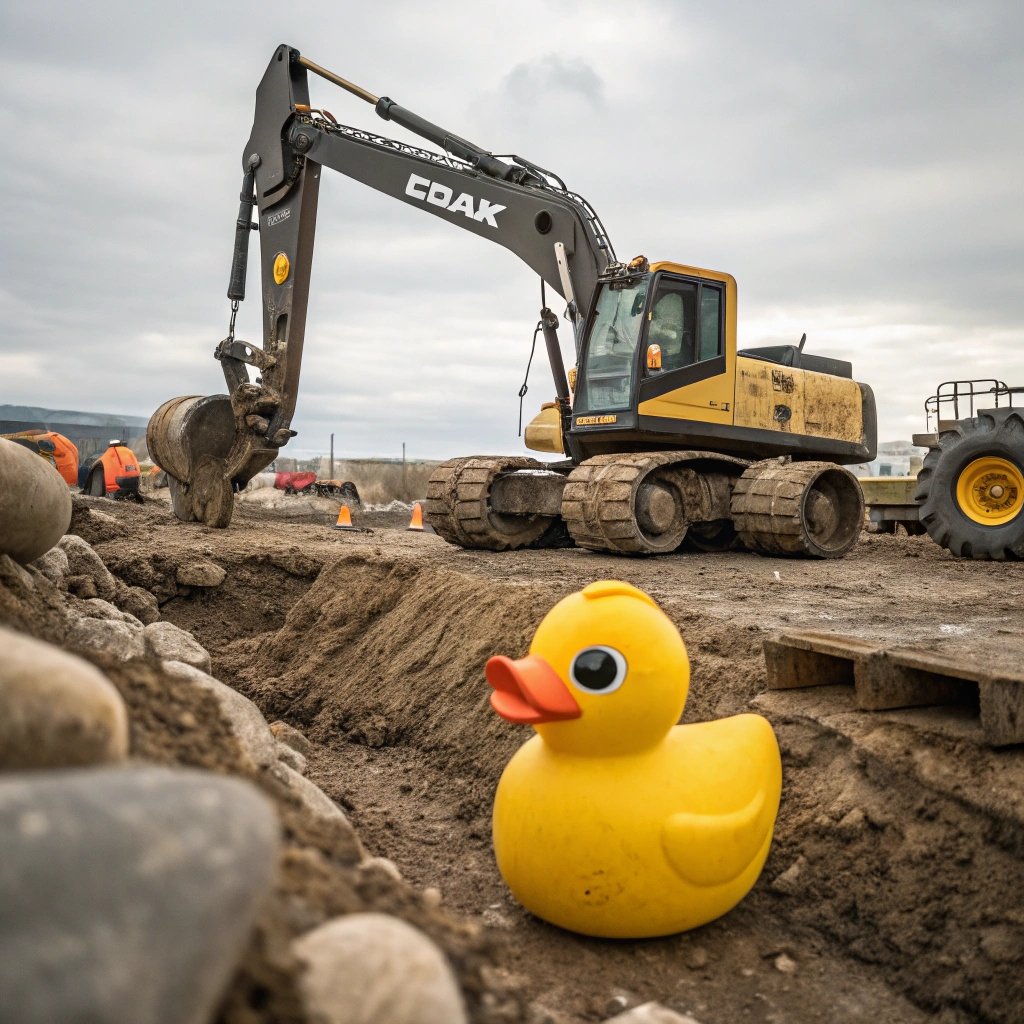
- Real customer photos (not just renders): Use images of ducks in real contexts: a duck sitting on a hotel bed, a duck in a trade show swag bag, a duck on a Jeep dashboard. Internal data shows this lifts add-to-quote clicks by 20% because buyers see the product in a familiar setting.
- Size comparison tool: Show a visual chart comparing duck sizes (e.g., 2in next to 3in next to 4in) with a ruler reference. Pages with this tool see a 20% higher inquiry rate (internal benchmark). Don’t make buyers guess dimensions.
- Mobile-responsive grid and quick inquiry button: Ensure thumbnails and filters reflow cleanly on a phone — over 60% of B2B browsing starts on mobile (industry observation). Add a sticky ‘Quick Quote’ button per product card so buyers can fire off an RFQ without leaving the category page.
Conclusion
A rubber duck category page that displays MOQ badges, use-case segmentation, safety certifications, and real-use photos upfront lifts inquiry rates by 30% or more and cuts pre-sale questions by half. Hiding technical details costs you 40% of potential sales. Fix those gaps, and you turn a generic product grid into a lead-generation engine.
Frequently Asked Questions
How to create a custom rubber duck?
Creating a custom rubber duck involves selecting size, material, and printing method, then approving a mold or design. Most manufacturers require a design consultation and sample approval before bulk production, with MOQ starting. Start by sharing your design brief and target quantity.
What does it mean if someone puts a rubber ducky on your car?
It’s a friendly gesture among Jeep owners called ‘ducking’ to show appreciation. This trend has no connection to commercial rubber duck sourcing or promotional campaigns. For branded ducks, focus on bulk customization instead.
What does 10 four rubber ducky mean?
10-4 rubber ducky is CB radio slang meaning ‘message received’ with ‘rubber ducky’ as a trucker handle. It is irrelevant to custom rubber duck ordering and promotion. If you need product specs, refer to the category page.
What happened in the 1992 rubber duck incident?
In 1992, a container with 28,000 rubber ducks fell overboard, becoming a famous ocean current study. This is a historical event, not related to modern custom duck manufacturing. For current sourcing, check MOQ and lead times.
What does a purple rubber duck mean?
A purple rubber duck often symbolizes autism awareness or inclusion in awareness campaigns. In commercial sourcing, the meaning is flexible—customers choose colors to match their brand message. Specify your intended campaign purpose when ordering custom colors.