Print a QR code on a duck and the grid has to survive a small, curved, glossy surface before the destination matters at all. The placement, the printed size and the contrast belong in the artwork file, and then the printed duck gets tested, because a code that reads on a screen proves the file is valid and nothing more. The link behind the code is the easy part.
What a duck QR code has to survive before the campaign goes live.
In short: A QR code on a duck scans when the code is large enough for its module count, sits on a surface that can hold it flat, has enough contrast with the body, and is tested on the actual material rather than on a screen. A code that fails any of those four tests will look correct in a proof and fail in a hand.
Why a QR code belongs on a duck
A duck is a physical object that travels: it sits on a desk, goes home in a bag, appears in a photograph. A code on the duck lets the object carry a destination without adding a screen, a leaflet or a second item to the pack.
The code also survives where a printed URL does not. A long web address on a curved body is hard to read and harder to type; a square code can carry the same destination in a much smaller area. That is the practical argument for the code, and it is the only one that matters when the duck is small.
The strategic argument is weaker. A code is not a campaign by itself; it is a door. If the page behind the door is thin or the reason to scan is unclear, the code adds a printing step and returns nothing. Decide what the scan is for before deciding where the code goes.
A tag code has three jobs, and a body code has one
A code on a hang tag and a code printed on the body are different products. The tag code has room to be larger, it can sit on a flat surface, and it can be replaced between runs. It can carry a campaign link, an owner's registration or a verification page, and each job has its own destination.
A body code has one job. It is printed into the surface, it cannot be changed without a new plate, and it competes with the logo for the same area. It should carry one destination that will still make sense when the duck is a year old.
| Code job | Where it sits | What it must survive |
|---|---|---|
| Campaign link | Hang tag | A short campaign life and a printed tag |
| Registration or club page | Hang tag or base | The life of the duck and a reprint |
| Product verification | Base or tag | Handling, washing and the retail shelf |
| Reorder or contact page | Base | A change of page without a new duck |
The table is also the decision record. Once the job, the surface and the lifetime are written down, the size and the print method follow.
What decides whether a duck code scans
Four things decide it, and only one of them is the size of the code. The first is the module count: a code that carries a long URL has more modules, and more modules in the same space means smaller squares. The second is the print resolution the surface can hold, which sets a floor under the module size.
The third is contrast. A dark code on a light body reads; a dark code on a dark body, or a code printed over a busy pattern, does not. The fourth is the surface: a glossy, curved body reflects light and distorts the grid, and a code placed where the body curves sharply loses its geometry before it loses its ink.
The code structure itself is fixed. DENSO WAVE, which developed the QR Code, describes three position detection patterns in each code and an error correction function that can restore data when a code is partially stained or missing. That is useful tolerance, not a licence to print a code too small: error correction recovers damaged modules, it does not recover modules that were never printed.

Sizing the code to the body
The usable size of a code is not the size of the square on the artwork. It is the size of the square on the duck, after the plate has printed it on a curved surface and the ink has spread. Measure the printed code across its modules on the actual body rather than on the artwork, and record that number next to the module count so the next run has something to repeat.
Work from the destination backwards. A short link needs fewer modules than a long one, so shortening the link is the first way to make the code bigger without making it larger. The second is to move the code to a flatter surface, where the printed size stays closer to the designed size.
The placement guide covers which surfaces hold a mark cleanly. The base is usually the flattest, the chest is the most visible, and the side is the compromise. The code should follow that decision rather than being placed last.
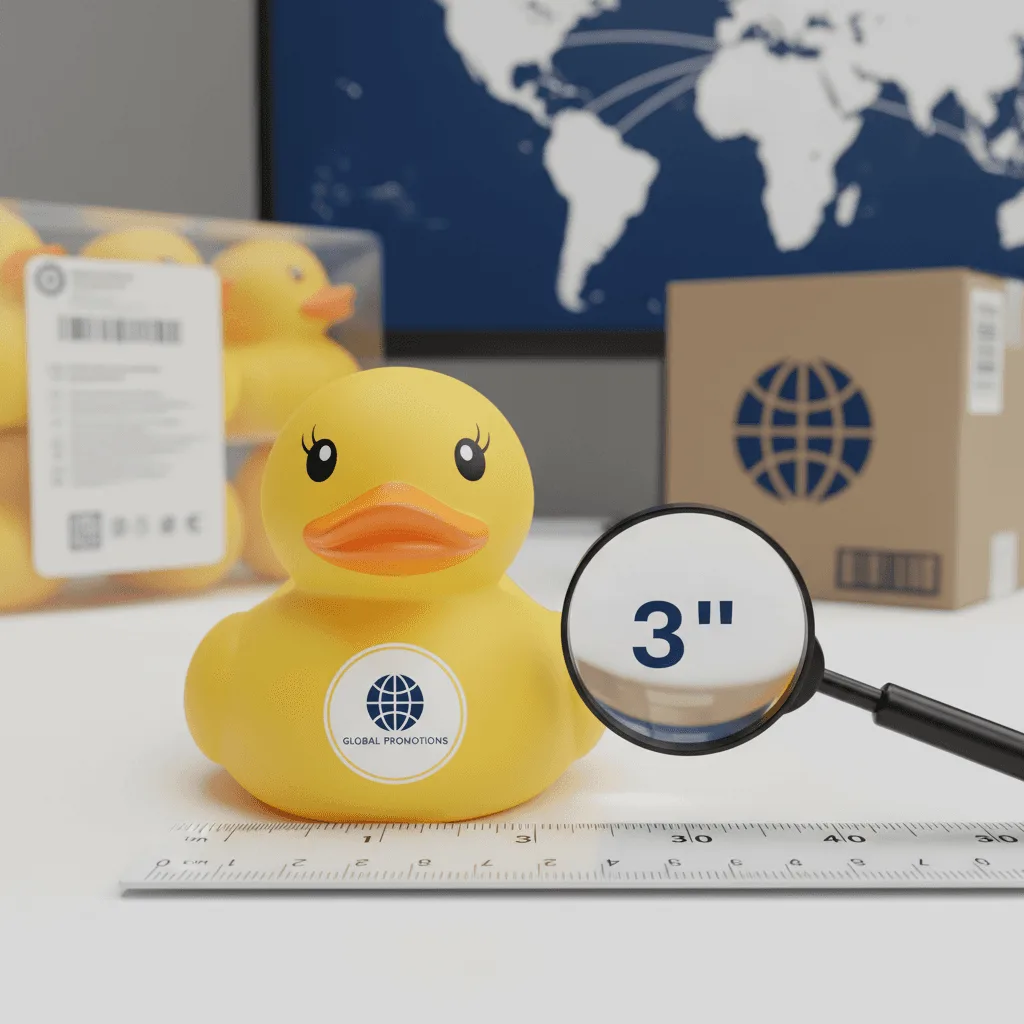
Printing a code on a curved and glossy shell
The print method decides how crisp the modules are. A pad print transfers ink from a plate through a soft pad, and the pad wraps around the curve; that wrap is what makes it suitable for a duck, and it is also what distorts a fine grid at the edges of the print area.
Two adjustments help. The first is to keep the code inside the flattest part of the print area, with a margin, so the pad does not stretch the outer modules. The second is to print the code in one pass on a light body rather than building it from several colours, because registration between passes moves the grid.
The print method comparison sets out what each process holds. If the code is printed on a tag rather than the body, the surface is paper or card and the rules relax, but the test on the material still applies.
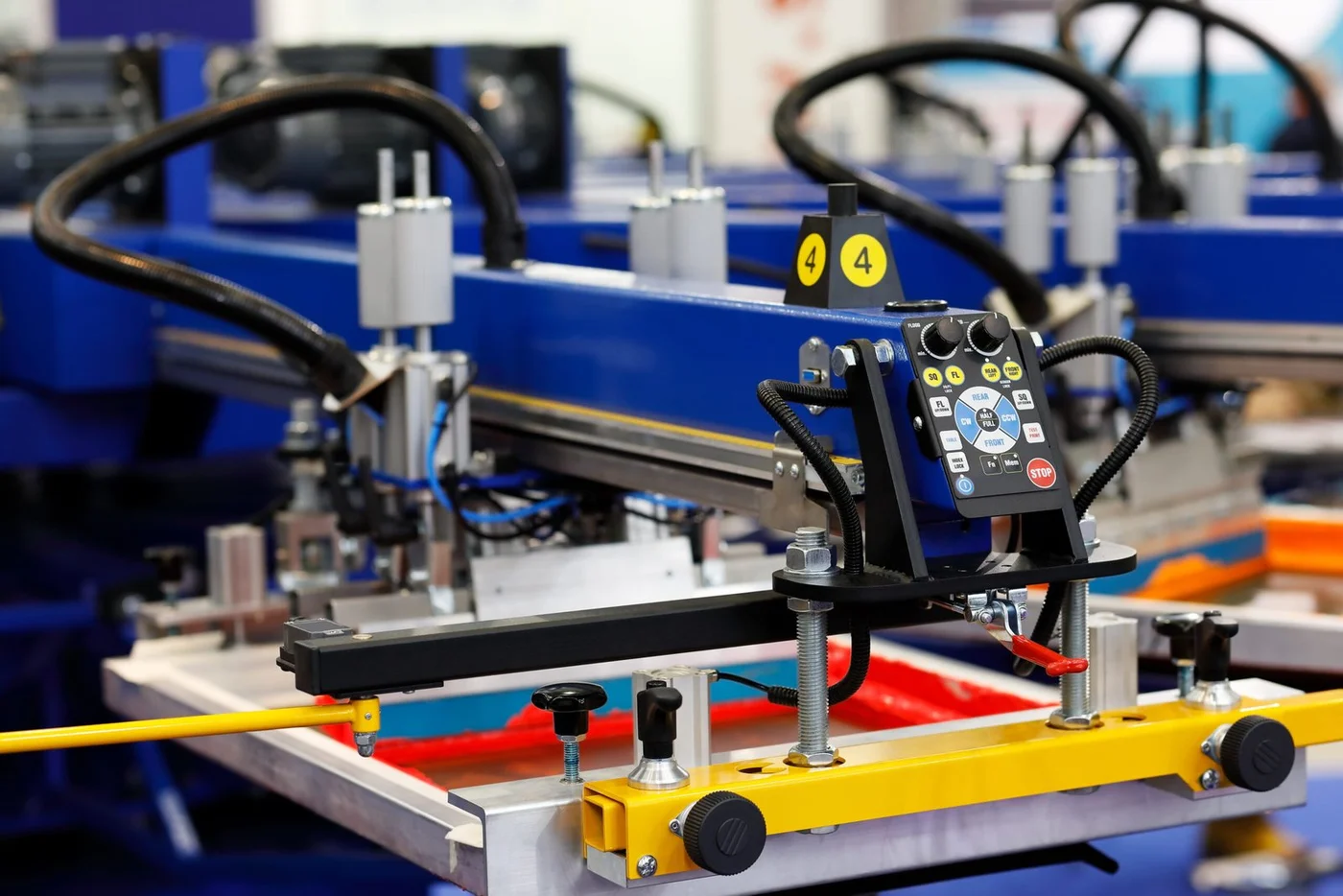
Static or dynamic: decide before the plate
A static code points at one fixed destination. A dynamic code points at a redirect the brand controls, so the destination can change without reprinting the duck. The difference is a decision about the next two years, not about the print.
Static is simpler and leaves fewer things to maintain. Dynamic is more flexible and creates a dependency: the redirect has to be owned, paid for and kept alive for as long as the duck exists. A dynamic code whose redirect lapses is worse than a static code that still points somewhere, because the scan now fails in the hand.
The decision should be in the file. Write down who owns the destination, what happens when the campaign ends and which page the code should reach in year two. The hang tag notes cover the printed side of the same decision.
The child safety file comes before the code
Many duck campaigns reach children, and a code does not change the toy rules. If the duck is a children's product, the age grade, the warning and the tracking marks still apply, and the code has to share the surface with them rather than pushing them off. A duck promoted to families is a toy whatever is printed on its chest, and the toy safety testing note covers the file that follows and the marks that have to stay legible.
There is also a content question. A code that opens a page collecting data from children, or a page with a promotion that is not allowed in the market, is a compliance problem printed into the product. Decide what the code opens before the artwork is signed, not after the cartons arrive.

Test the scan before the run
The only test that counts is a scan of the printed duck, on the material, in the light where it will be used. A screen test proves the file is valid; it does not prove the print is readable.
A workable test takes three ducks from the first carton, scans each one five times with two different phones, and records the failures. If a code needs a second attempt to read, it will fail more often in a hand that is moving. The test should happen before the full run, when the plate can still be changed.
The sample approval notes cover what to keep after the test. A photograph of a working scan is not the same as the printed duck that produced it, and the duck is the reference for the reprint.
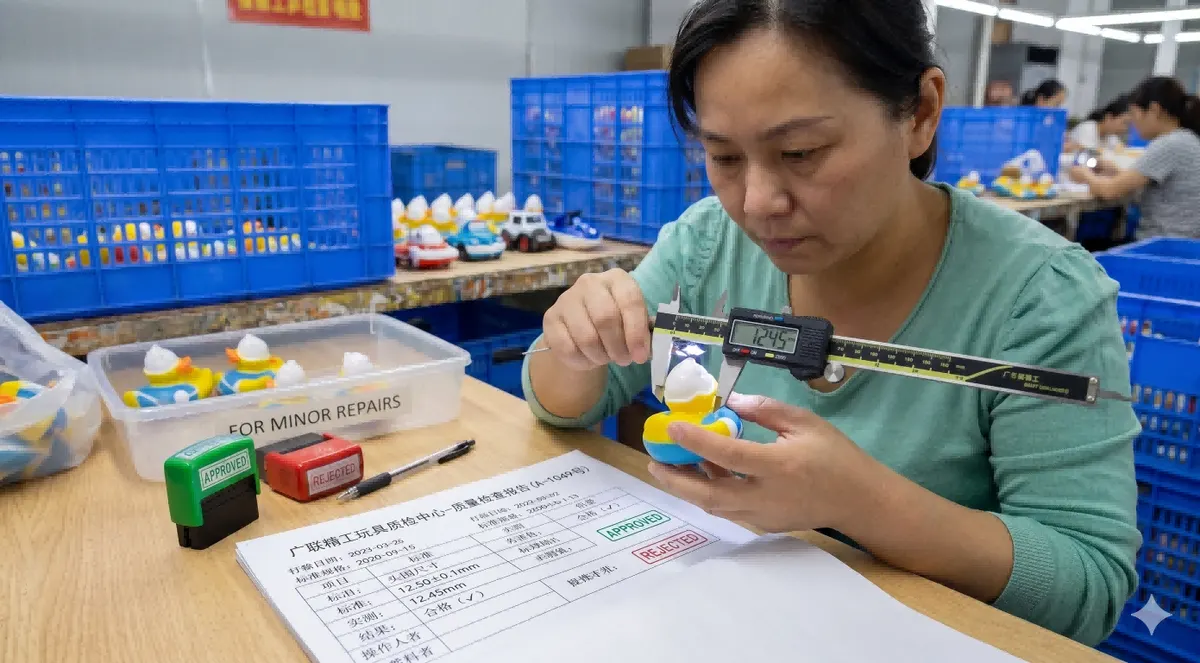
Five questions before the artwork
Each answer belongs in the artwork file, so the printer is not asked to choose a destination or a size.
- What does the code open, and who owns that page in year two?
- Is the code on the body or on a tag, and which surface holds it flattest?
- How many modules does the destination need, and what is the printed size after the curve?
- Is the code static or dynamic, and who maintains the redirect?
- Which test proves the scan on the material, and who signs it off?
Frequently Asked Questions
Can a QR code be printed on a small rubber duck?
It can, if the destination is short enough to keep the module count low and the code sits on the flattest part of the body. A long URL on a small duck forces modules below the size the print can hold. Shorten the link first, then choose the surface.
Where should the code sit on a duck?
The base is the flattest and the most reliable; the chest is the most visible and the most curved. A hang tag gives the code a flat surface with more room. Choose the placement by the job the code does, not by where it looks least intrusive.
Does a glossy body stop the code from scanning?
It can, because the gloss reflects light into the scanner and the curve distorts the grid. Contrast and placement reduce the problem: a dark code on a light, matte area reads better than a dark code on a glossy dark body. Test on the actual duck before the run.
What should the code link to?
One page that still makes sense when the campaign is over: a product page, a registration page or a verification page. A campaign landing page with a short life leaves a duck that scans into nothing, which is worse than a duck with no code.
Final Note
A QR code is the smallest part of a duck campaign and the easiest to get wrong. It is a print job with a fixed module budget, a fixed surface and a test that has to happen on the material. The link is the part everyone discusses and the print is the part that decides.
A slightly larger code on the base with a short link beats a beautiful code on the chest that needs two attempts. The scan is the moment the object becomes digital, and it either works in the hand or it does not.
Key takeaways
- A duck carries a code further than it carries a printed web address, which is the practical reason to print one.
- A hang tag code can change between runs, while a body code has to carry one destination for the life of the duck.
- Module count, print resolution, contrast and surface decide the scan, and size is only one of the four.
- The size that matters is the printed code on the body, measured across its modules rather than on the artwork.
- A pad print wraps the curve that suits a duck and distorts a fine grid at the edge, so keep the code inside the flat area with a margin.
- A static code needs no maintenance and a dynamic one needs an owner, so decide which before the plate is cut.
- A children's duck keeps its age grade, warning and tracking marks whether or not a code is printed on it.
- The only scan test that counts runs on printed ducks, on the material, in the light where the code will be used.